

As organizations expand, relocate offices, or redesign workplaces, moving technology infrastructure becomes a critical part of the transition. From laptops and servers to networking equipment and data storage devices, IT assets support daily business operations and require careful handling during a move.
IT asset relocation involves the planning, transportation, tracking, and reinstallation of technology equipment while minimizing downtime and protecting sensitive business information. A well-planned relocation strategy helps organizations maintain business continuity and reduce operational risks.
What Is IT Asset Relocation?
IT asset relocation refers to the movement of business technology equipment from one location to another. Unlike standard office furniture, IT assets contain sensitive data and complex configurations that require specialized handling.
Common IT assets include:
- Laptops and desktop computers
- Servers and storage devices
- Network switches and routers
- Printers and scanners
- Telecommunication equipment
- Audio-visual systems
- Security and access-control devices
Whether relocating a single office floor or an entire corporate facility, a structured approach is essential to ensure a smooth transition.
Why Proper IT Relocation Matters
Technology downtime can impact productivity, customer service, and business operations. Poor planning may lead to equipment damage, misplaced assets, or delays in restoring critical systems.
A professional IT relocation plan helps organizations:
- Minimize business disruption
- Protect sensitive information
- Maintain asset visibility
- Reduce equipment damage risks
- Improve operational continuity
- Ensure a faster return to normal operations
Common Challenges During IT Asset Relocation
Moving technology equipment presents unique challenges that organizations must address before relocation begins.
Asset Tracking
Without an accurate inventory, businesses may struggle to track equipment during the move, increasing the risk of misplaced assets.
Equipment Protection
Electronic devices are sensitive to shock, vibration, moisture, and improper handling. Specialized packing methods are often required to protect valuable equipment.
Data Security
Many IT assets contain confidential company and customer information. Data protection measures should remain in place throughout the relocation process.
Downtime Management
Every business aims to restore operations quickly. Effective planning helps reduce interruptions and ensures critical systems remain available when needed.
Key Steps in a Successful IT Asset Relocation
1. Conduct an Asset Audit
Create a detailed inventory of all technology equipment before the move. This helps establish accountability and simplifies tracking throughout the relocation process.
2. Develop a Relocation Plan
Define timelines, responsibilities, equipment priorities, and business continuity requirements. A structured plan reduces confusion and improves coordination.
3. Secure and Back Up Data
Before moving equipment, organizations should perform backups and verify recovery procedures. Data protection should remain a priority throughout the project.
4. Use Proper Packaging
Technology assets should be packed using appropriate protective materials to minimize transportation-related damage.
5. Track Assets During Transit
Labeling and inventory verification help maintain visibility and accountability from departure to final installation.
6. Reinstall and Test Equipment
After arrival, systems should be reconnected, configured, and tested to ensure they are functioning correctly before normal operations resume.
Best Practices for Technology Relocation
Organizations can improve relocation outcomes by following these best practices:
- Maintain an accurate inventory of all IT assets.
- Schedule moves during low-activity periods where possible.
- Prioritize critical business systems.
- Establish clear communication among stakeholders.
- Verify equipment functionality after installation.
- Implement security protocols throughout the move.
These measures help reduce risks and improve overall relocation efficiency.
Why Choose Interem Relocations?
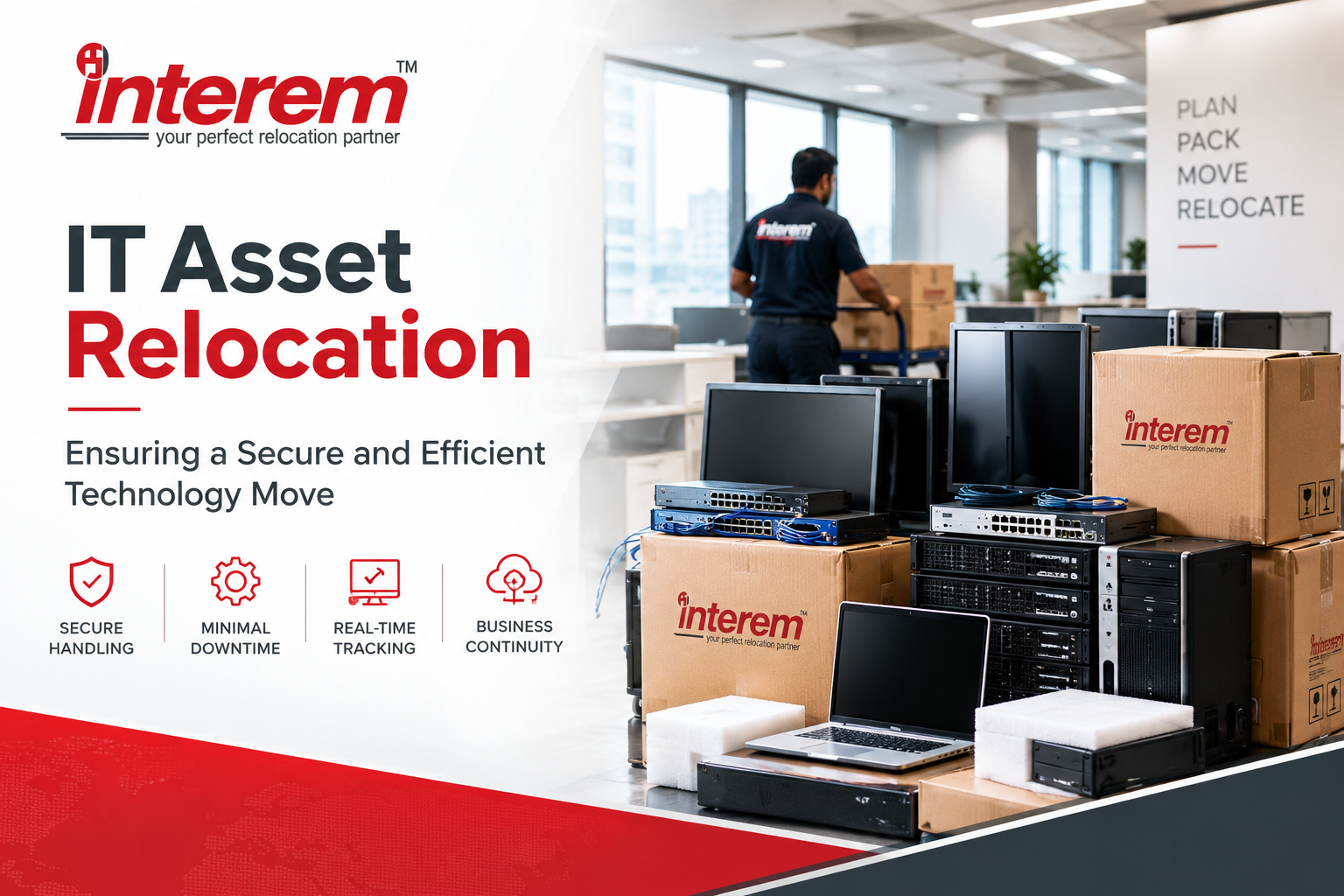
Technology relocation requires careful coordination, secure handling, and structured project management. Interem Relocations supports businesses with relocation solutions designed to facilitate smooth transitions across offices, facilities, and operational environments.
Interem’s strengths include:
- Corporate relocation expertise
- Domestic and international move management
- Project-based relocation support
- Warehousing and storage solutions
- Global mobility experience
- Established operational processes
- Industry-recognized certifications and affiliations
By combining relocation planning with operational coordination, Interem helps organizations manage complex moves while minimizing disruption.
Conclusion
IT asset relocation is a critical component of modern business moves. From safeguarding sensitive information to minimizing downtime, every stage of the process requires careful planning and execution. Organizations that adopt a structured relocation strategy can protect valuable technology investments while ensuring business continuity.
Whether relocating a small office or a large corporate facility, proper planning helps create a smoother and more efficient transition.
FAQs
What is IT asset relocation?
IT asset relocation is the process of moving technology equipment such as computers, servers, networking devices, and storage systems from one location to another.
Why is IT asset relocation important?
It helps protect technology investments, maintain data security, and minimize operational downtime during a move.
How can businesses reduce downtime during an IT move?
Businesses can reduce downtime through detailed planning, asset prioritization, data backups, and post-move testing.
What are the biggest risks during IT relocation?
Common risks include equipment damage, data security issues, inventory discrepancies, and operational disruptions.
What should be included in an IT asset inventory?
An inventory should include asset details, serial numbers, locations, ownership information, and destination requirements.
Plan Your Technology Move with Confidence
Planning an office move, facility consolidation, or technology migration project? Contact Interem Relocations to discuss structured solutions for your IT asset relocation requirements.